
Caching online songs for offline playback
Caching online songs for offline playback
Remote songs added to the library remain on the SMB or WebDAV server. For songs that you listen to frequently and need to be played when you go out, you can use "Offline Cache" to save playable copies in the local space managed by OnePlayer.
This article belongs to OnePlayer 5.0 Function Collection.
The difference between indexing, offline caching and downloading
| Operation | Whether to copy audio to mobile phone | Whether to display in the database | Can users see a copy in Files |
|---|---|---|---|
| Add to database | No | Yes | No |
| Offline caching | yes | Yes | No, managed by OnePlayer |
| Download to folder | Yes | Shown after importing or scanning | Yes |
Offline caching is suitable for "one-click offline playback"; downloading to a visible folder is suitable for scenarios where you need to manage, export or share files yourself.
Cache an online song
- Open a song menu in a song list or play queue.
- Select "Offline Cache".
- The waiting status changes to "Offline Caching Completed".
- After disconnecting from the server, songs can still be played from the local cache.
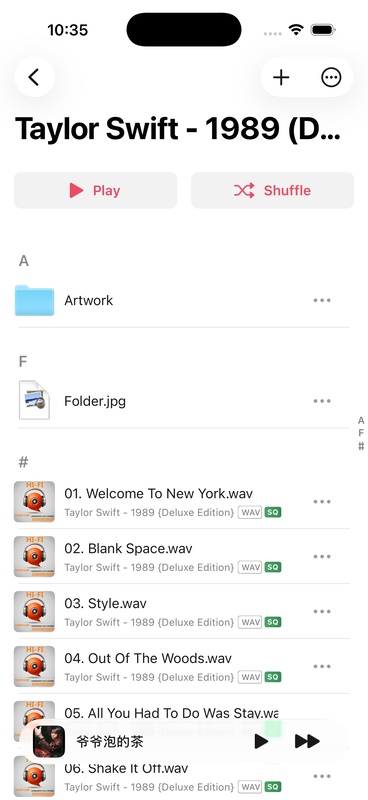
You can choose "Cancel offline caching" during the caching process. Cancel will only stop the current task and will not delete the files on the server.
Remove offline cache
Open the menu again for the songs that have been cached and select "Remove Offline Cache". The songs remain in the database; network playback can continue while the server is online.
What happens when you delete a network connection
When deleting a connection containing indexed songs, OnePlayer gives you the option to keep the songs:
- Remove connection and keep songs: Keep library records, but inaccessible songs will appear as unavailable.
- Delete connection and song: Remove the corresponding remote song from the database and playlist at the same time.
When a connection is deleted, the corresponding OnePlayer offline cache may also be removed; files downloaded to user-visible folders will remain. Please read the confirmation pop-up window carefully before operating.
Usage suggestions
- Before departure, confirm that caching has been completed under the current network.
- Check iPhone available space before caching a lot.
- After the server address changes, repair the connection first and do not clear the songs immediately.
- The cache is not a server backup; the original files on the server should still be backed up independently.
FAQ
It has been added to the database, why can’t it be played offline?
Adding to the database only creates indexes and does not copy all audio. You need to perform "offline caching" of the songs or download them to a local folder.
Will removing cache delete NAS files?
Won't. Removing the cache only deletes the offline copy of OnePlayer managed on the iPhone.
Will the song information change after caching is completed?
The song is still the same database record, and the playlist relationship and metadata will not create duplicate items because the caching is completed.