
Widgets — Add OnePlayer to Your Home Screen
Widgets — Add OnePlayer to Your Home Screen
OnePlayer ships a family of beautifully designed widgets — from small album-art tiles to large Now Playing cards and a nostalgic iPod-style Cover Flow.
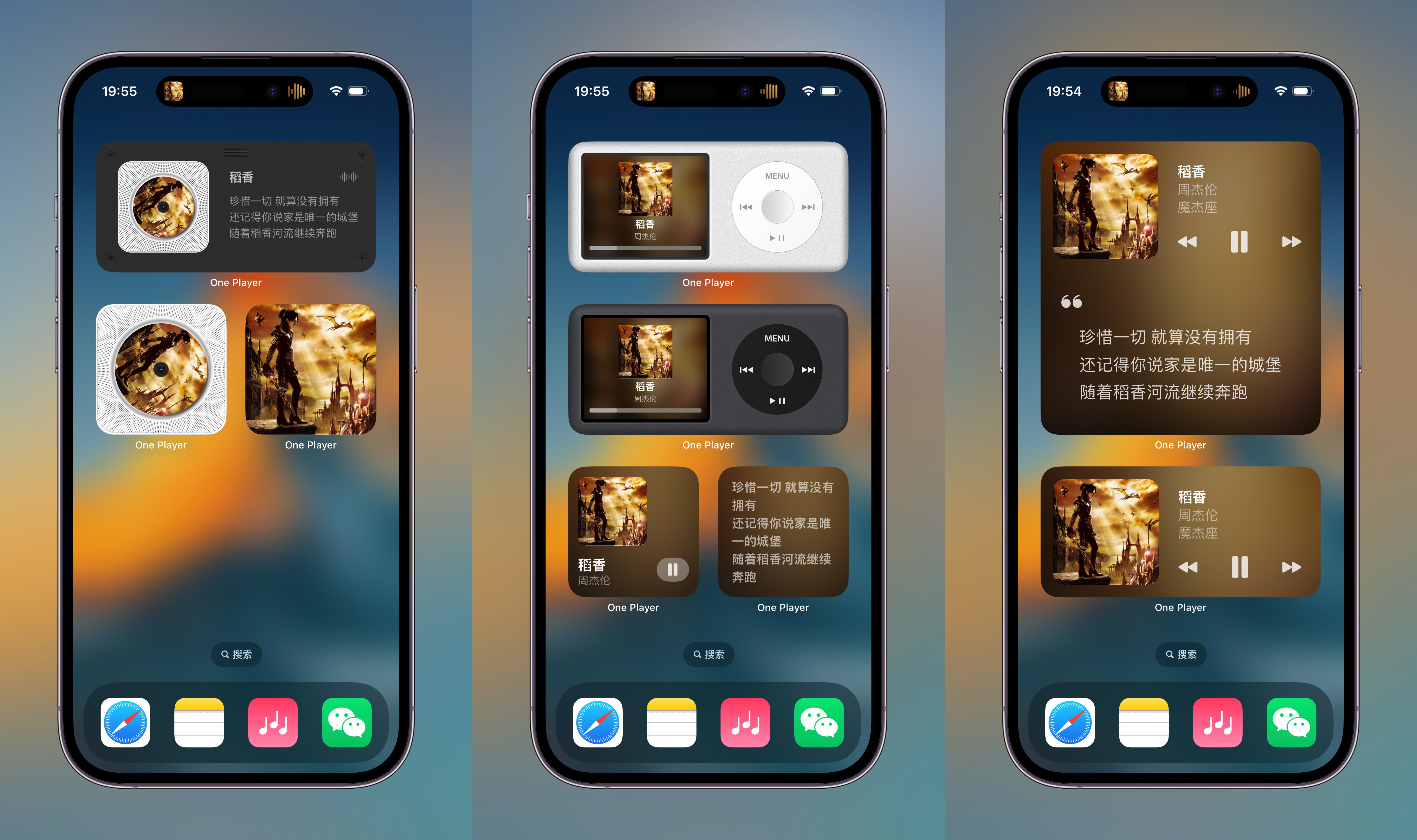
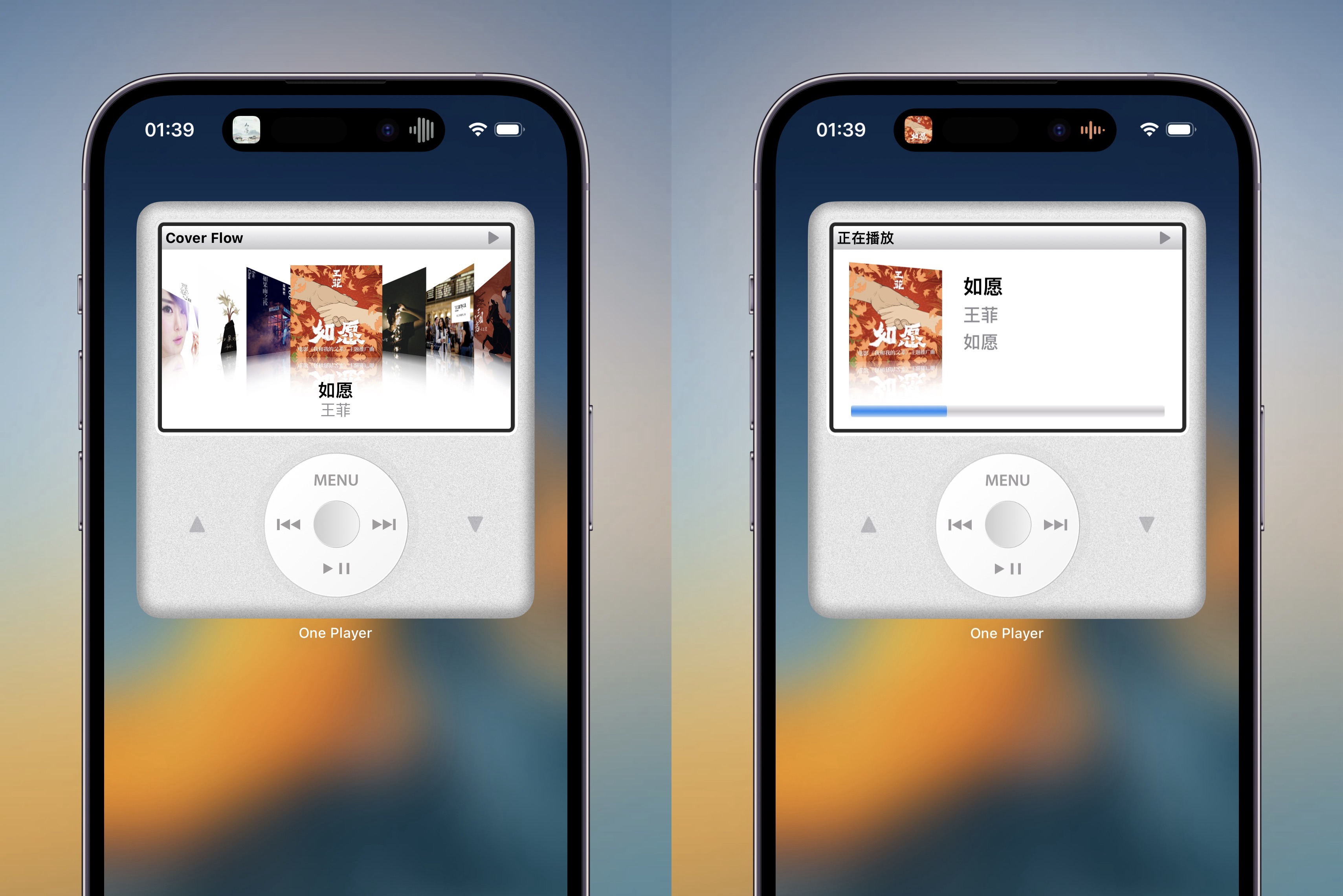
How to add a widget
Touch and hold an empty area of your Home Screen until the apps start to jiggle.
Tap the ➕ button in the top-left corner.
On iOS 18: tap Edit in the top-left corner, then choose Add Widget.
In the widget picker, search for "One Player".
Pick the size you like, then tap Add Widget and place it where you want.